9 Best Website Builders for Artists (tips from an artist)
I’m an artist and musician with an obsession for design. I’ve built dozens of websites for creatives and this is my curated list of the platforms I love the most.
But keep in mind that the best website builder for artists is often just the one you like the best.
So if you’re dead set on Wix, go for it.
My personal favorite is Squarespace. It’s who I’ve been using since 2020 and I have 3 separate sites with them (including this one you’re on right now).
But if still you’re not sure which is right for you, you’re in the right place.
Also, quick note, all of the options in this post have AI features. I just don’t mention it because it’s sort of expected at this point (it’s like saying, this website builder also lets you add images!).
Alright, let’s do this freaking thing.
Psst, quick heads up that some links in this post may be affiliate links. This is at no extra cost to you, but helps me keep the lights on. Thanks for your support!
1. Squarespace
Make it stand out
Best all-around website builder and ecosystem
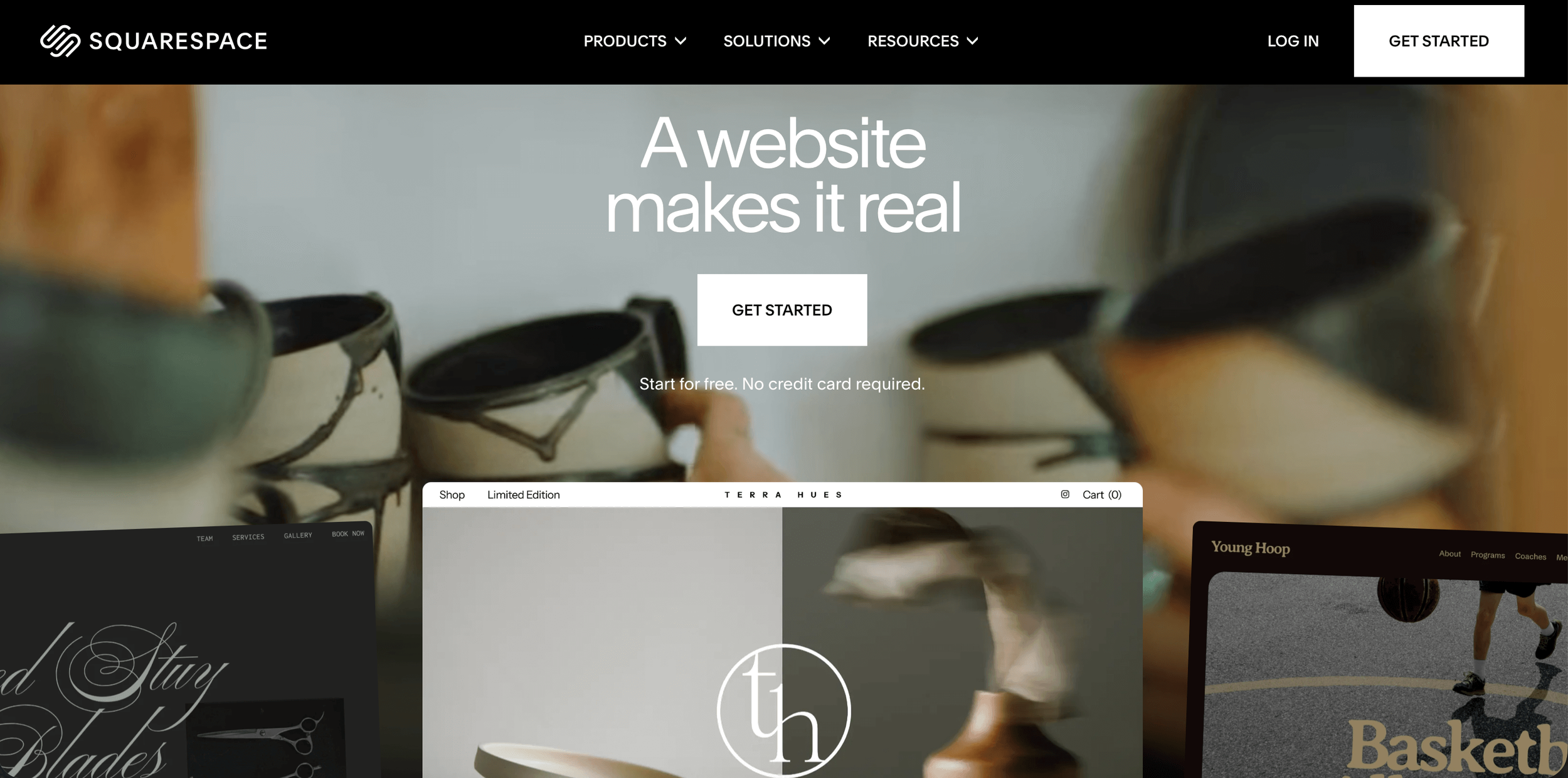
Squarespace is my go-to website builder as a multi-passionate artist and musician. They have the full package—a complete brand and business ecosystem for pretty much anything you could possibly need.
Plus, they’re easy to use, trustworthy, reliable and have solid designs.
Squarespace Pros
Very simple to learn
Powerful site builder
Invite contributors for collaboration
Strong online community for tutorials and support
Reliable company (over 20 years old)
Easily connect with GSC/GA4, POD integrations
Tons of customization options with plugins
Squarespace Cons
Pricier, no free plan
Checkout and e-commerce features are not the best (limited customization, setup does not feel optimized for conversions)
Closed ecosystem (annoying to migrate sites/domains)
Limited design customization (without plugins)
Sometimes the editor gets glitchy when working on a site for a while, requiring a page refresh (so save often!)
It’s tricky to actually contact a human (but once you do, they’re quick and helpful)
Explore more:
➤ Adobe Portfolio vs. Squarespace
➤ Squarespace Site Launch Checklist
2. Format
Make it stand out
Artist-focused portfolio site builder
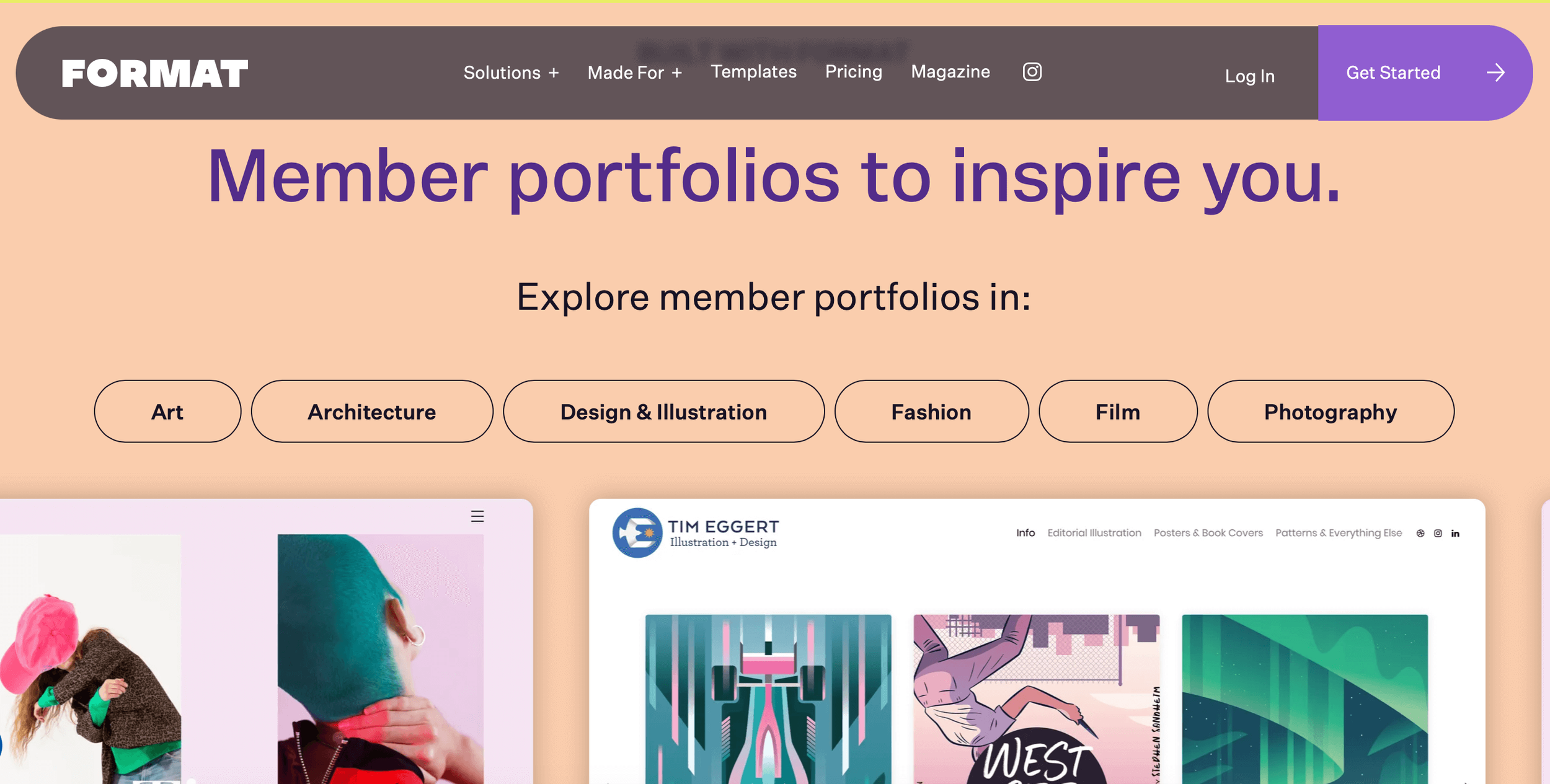
When you visit the Format site, you’ll instantly feel seen. It’s a platform that’s clearly built for artists and creatives.
Just explore some of the features below——Lightroom integration, a photography business masterclass, copyright protection? I mean, this platform obviously values artist’s needs (especially photographers).
Format Pros
Artist-focused features, design and tools
Easily customizable templates with Flex Block
Workflow tools to manage your creative business
Easily sell physical/digital products or services
Affordable with plans starting at $14/month
Format Cons
Basic Plan is limited (only 10 pages, no image storage, etc.)
Feature list is less robust than other site builders
It’s less popular and the online community isn’t very active
Explore more:
➤ Do Artists Need a Website?
➤ Launch A Kick-Ass Personal Brand Website
3. Pixpa
Make it stand out
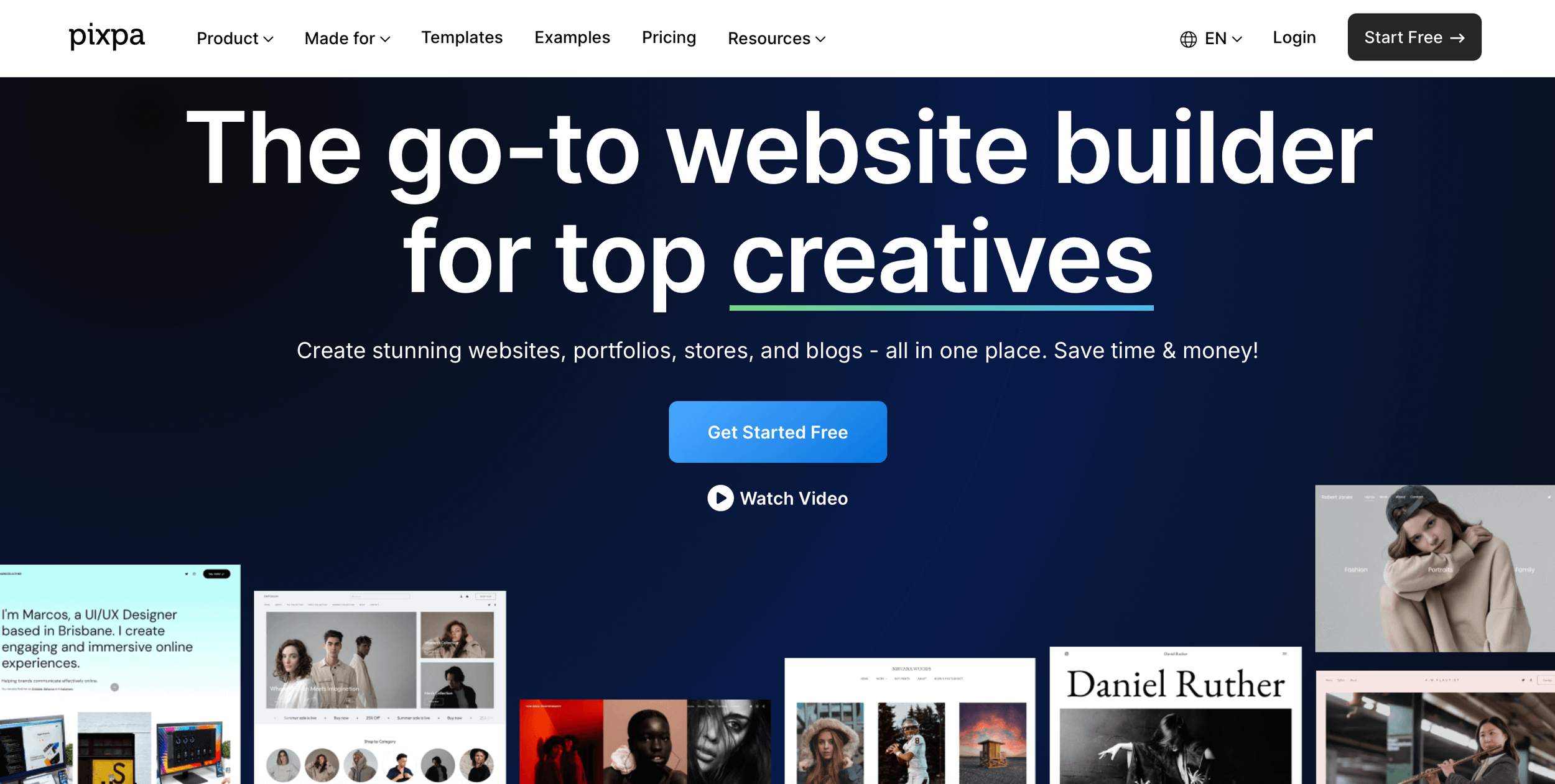
Affordable, powerful and creator-focused.
Okay, so when I first stumbled onto Pixpa, I was instantly stoked.
The amount of features, integrations and customizations is pretty insane for how cheap the monthly plan is.
You can start at just $9/month. And the next upgrade (if you want to unlock features like a blog) is just $15/month.
I’ll definitely be testing this platform next for a new project I’m working on.
Pixpa Pros
Good for SEO and blogging
Lots of apps and integrations
Hyper-focused on creators and artists
Lots of features and customization options
Affordable with plenty of premium features
Sell commission-free products (digital and physical)
Pixpa Cons
Basic plan is…basic (no blog, custom fonts or 301s; only 10 pages allowed)
Less popular than some other options on this list (which might cause problems if you need extra resources or tutorials)
4. Framer
Make it stand out
For advanced web design options
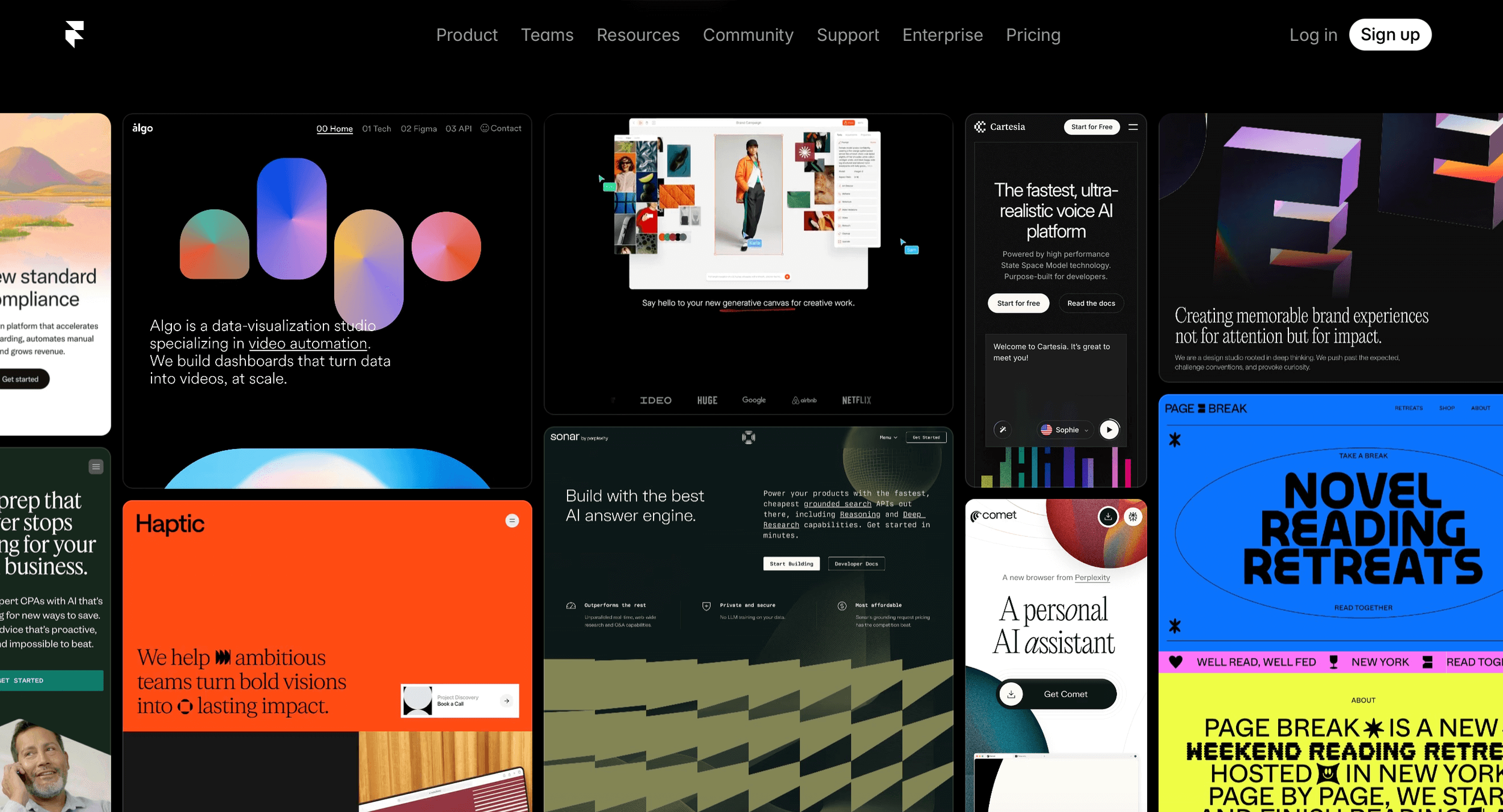
Framer is built for web designers. The level of customization you can do is impressive (and potentially overwhelming if you’re new).
Users often compare the interface to Figma (visually speaking), so if you’re familiar with this software, you’ll feel right at home. You can even convert your Figma designs to HTML and live websites using Framer’s free Figma plugin.
Framer Pros
Advanced modern design options
A lot of resources for learning
Strong and active online community
Powerful SEO and CMS for blogging
Collaboration options
Affordable with plans starting at $15/month
Sell templates in the marketplace for extra money
Framer Cons
There’s a solid learning curve
Live collaboration features cost extra
No redirects, live staging or advanced analytics on the Basic plan
5. Strinkingly
Make it stand out
For simple websites and multi-brand artists
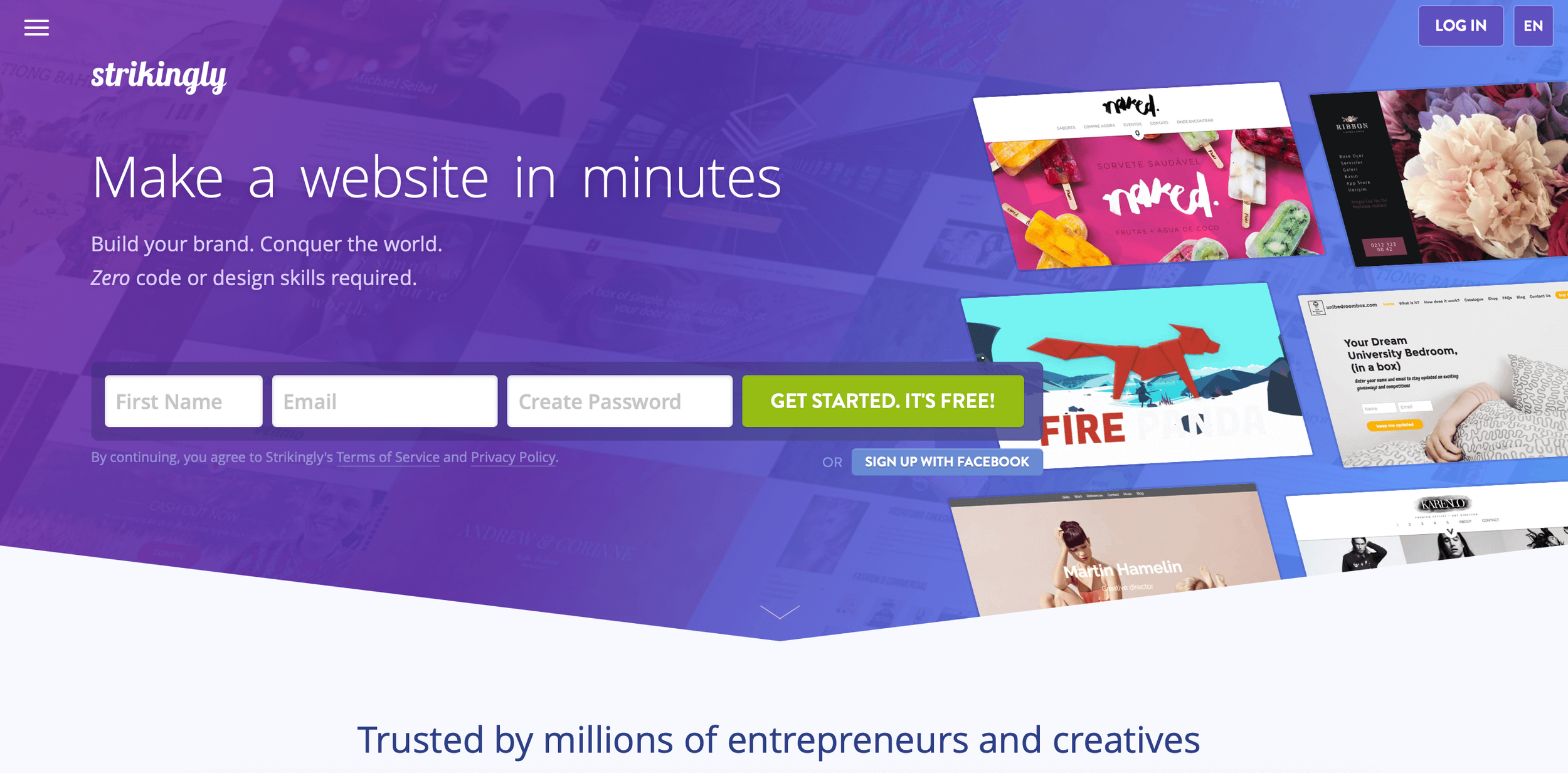
Strikingly is one of the simplest platforms to use (but still powerful, offering all the core features one would need for a website).
It’s also great if you need multiple websites (or plan on building multiple brands).
You can affordably publish up to 3 different custom websites with a single Pro plan (which is about the same or cheaper than most of the other website builder’s basic plans from this list).
Strikingly Pros
Very easy website editor
Great value (cheap professional email add-on, publish multiple sites under one subscription).
Great for simple websites, one-pagers and portfolios
Straightforward, affordable pricing including a free plan option
Strikingly Cons
Less popular and no active online community
6. Ghost
Make it stand out
For publishing-focused, newsletter-loving artists
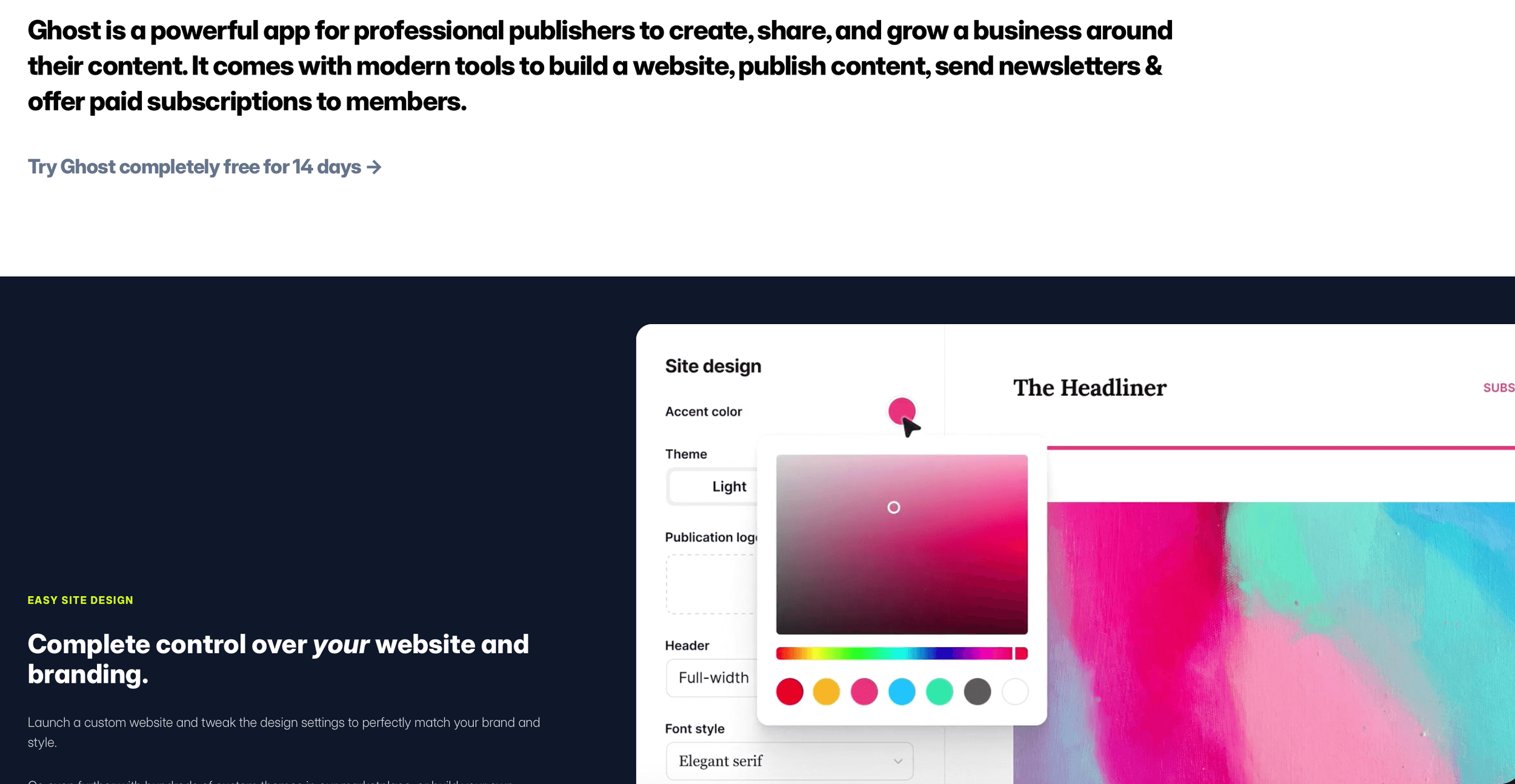
Ghost bundles your email, memberships and actual website all in one place. The platform is focused on one driving feature: publishing.
So if building a newsletter or personal blogging is a core part of your brand and growth goals, then Ghost might be an option.
Ghost Pros
Open source and non-profit
Built-in editor is great for drafting posts
Perfect for scaling your brand as a publisher
Pricing starts at $18/month and scales as you grow
Ghost Cons
Not built for e-commerce——Ghost is set up to create, publish and email content to a member list
7. Readymag
Make it stand out
Great for design freedom and simple sites and magazines
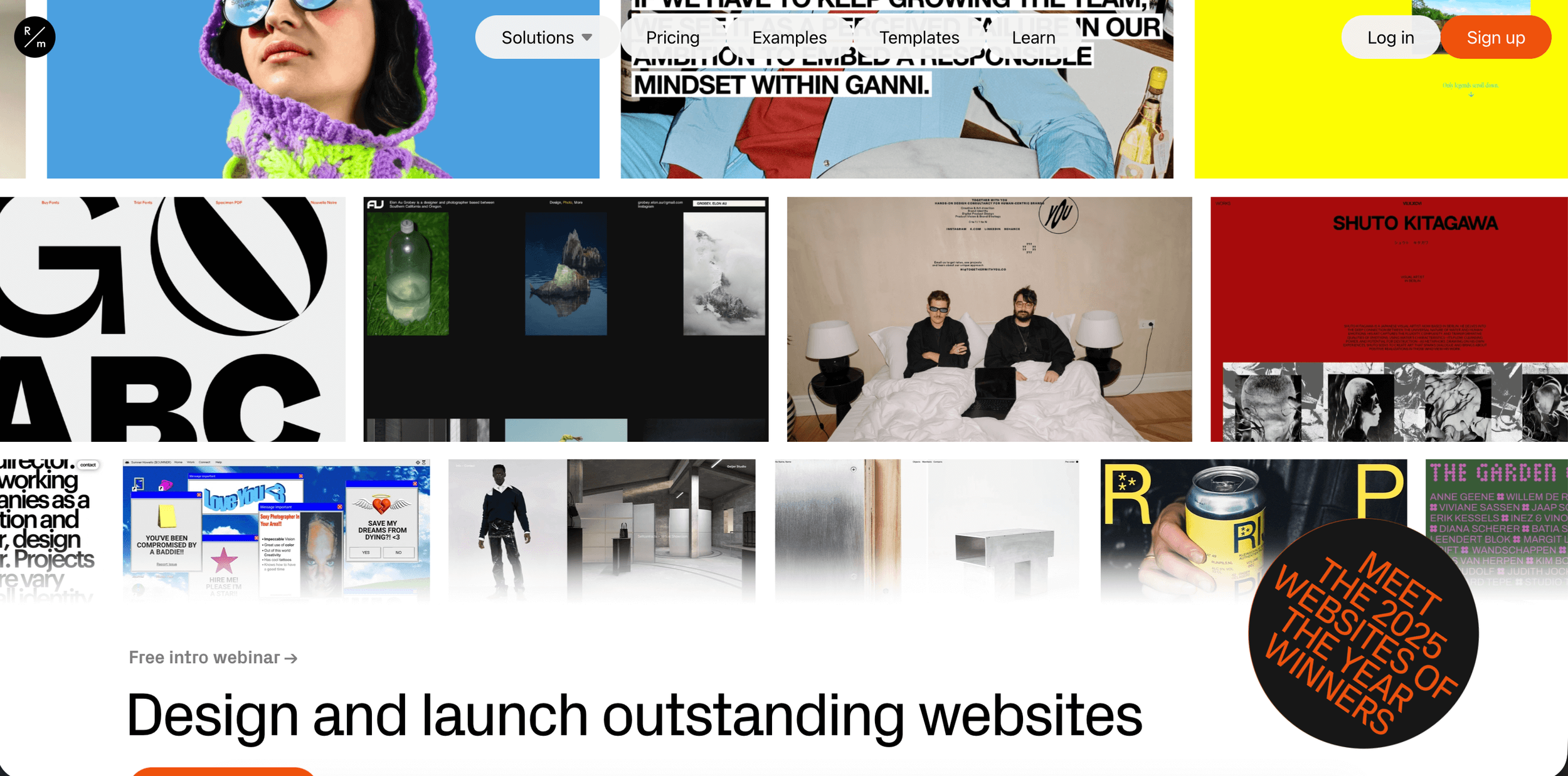
Readymag started as an online zine-building software. As the brand grew, they expanded and morphed into another website builder.
It’s a design platform for creating visually-stunning portfolios, websites, digital magazines and creative projects like presentations. Design flexibility and creative freedom let you build the unique website vision you have in your mind.
Readymag Pros
Complete creative freedom and control with formatting, design layout and website elements
Great for animations and interactive websites
Free forever plan
Readymag Cons
No business features——not set up for e-commerce, booking appointments or blogging
Complete creative freedom (in designing your site) can be overwhelming without a clear vision or if you’re a beginner
8. Notion
Make it stand out
For Notion users who want a simple website/landing page
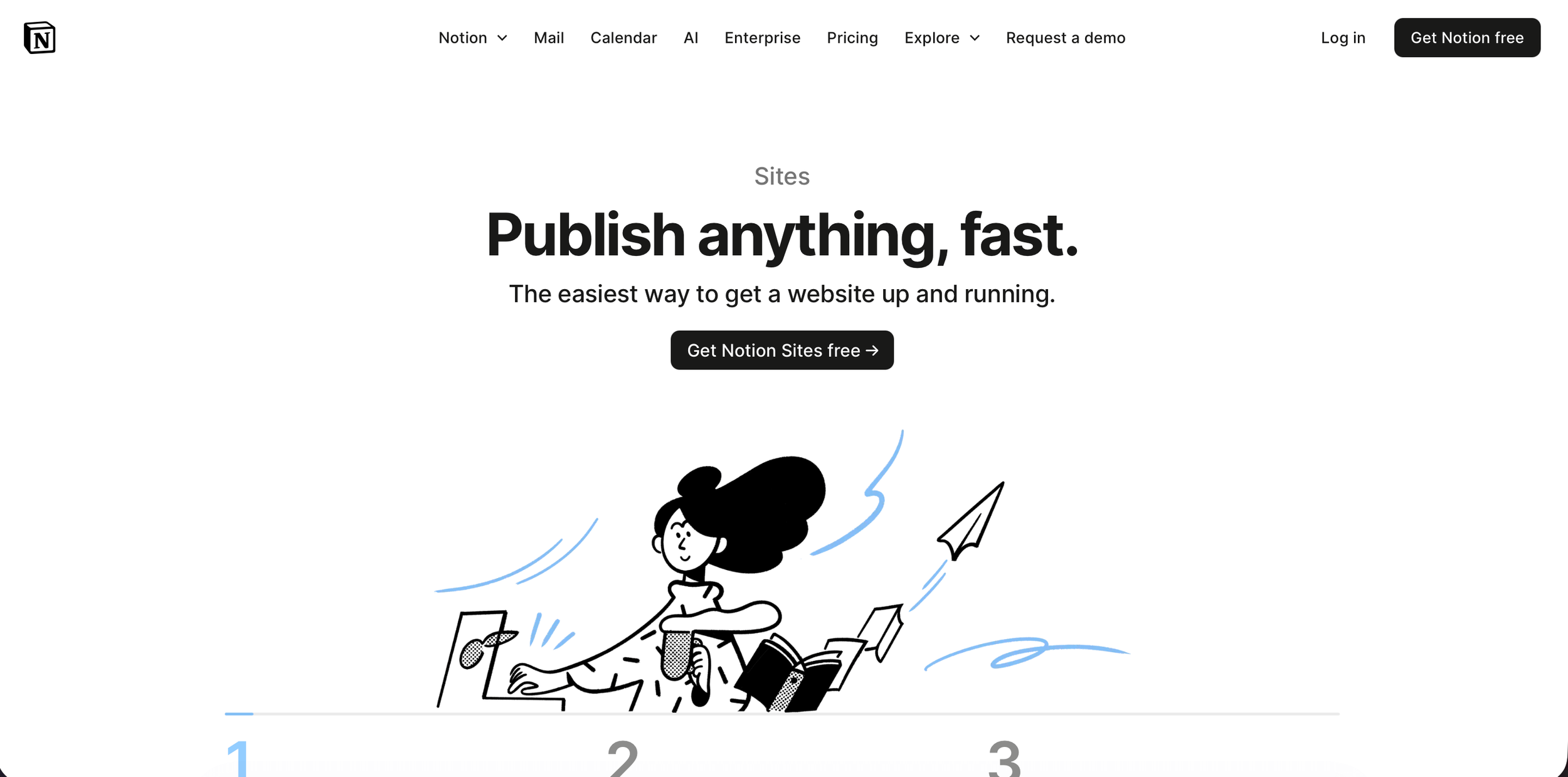
If you love the Notion dashboard experience, then why not house your artist portfolio there?
Notion isn’t just a productivity app. You can also build simple websites or portfolios. You’ve probably visited a Notion web page too. For example, job listings, sales pages, personal resumes, portfolio sites and even blogs are all possible with Notion.
If you’re a native Notion lover and prefer minimalism and simplicity in design, then Notion could be the move.
Notion Pros
Integrate Notion with third-party tools like Super or Feather for more features and control
Free for simple portfolios
Great for data storage and management
Notion Cons
There’s a learning curve
No advanced animations or elements
Limited in design capabilities
9. Build Your Own Site for Free
You could also build your own site using AI. There are free ways and paid options. You could vibe code using something like Replit, Hostinger, Lovable or even Wix. Or build it out yourself and host it for free (only paying for the domain).
For example, you could use v0 to create a front end UI, then download that codebase into Cursor (or any IDE coding environment) to build out the backend, push/commit your project to Github, and then deploy your site on Vercel for free hosting (after pointing your domain’s DNS records there).
This does take some technical patience and a weekend deep dive down a few YouTube rabbit holes. But I’ve done it with a few websites and it’s not too bad.
It does get harder if you want to integrate payments (like e-commerce), add data storage (like memberships), or make a blog (which requires a headless CMS integration). Plus you need to stay on top of security updates and regulations.
This is part of why I just prefer using a platform like Squarespace, it’s quick and easy and I don’t have to think about anything technical. It just exists and I know it’s legit.
Explore more:
➤ Is Technology Limiting Creativity?
➤ What AI Can Never Replace